
The platform
How it all connects.
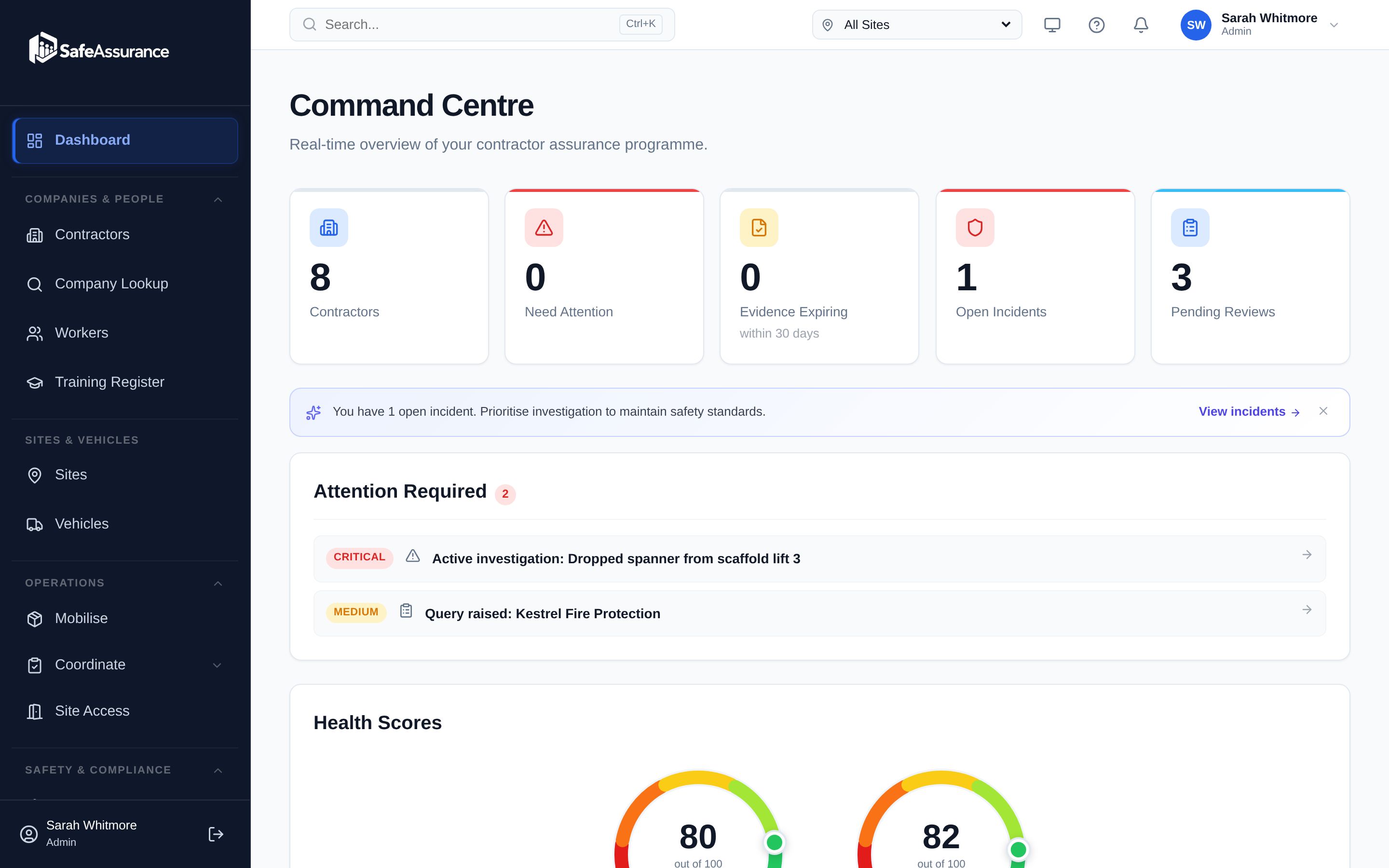
Assured Contractors is one record of companies, workers, sites and work that nine modules share. A card recorded during prequalification is checked when someone is booked and again at the gate, and every decision lands in one audit log.
Clients run their supply chain and their sites in their own workspace, with their own branding and roles. Contractors join free with the client's company code and keep one profile for every client they work for.
- Free for contractors
- Your logo and colours
- Every action in the audit log
The journey
Four stages, one record.
Prequalify the company and its people, plan the work, run the gate, and learn from what happens. Each stage uses what the one before it already knows.
Know a contractor is fit to work before you book them
Send contractors your company code: they join free and keep one profile — insurance, accreditations (including their SSIP certificates), policies and their team's cards. You set what each kind of work needs; every gap shows up with a reason, and expiries chase themselves.
- One profile, every clientA contractor uploads once; each client reviews it on its own terms.
- Companies House, watchedStatus changes surface on the contractor's record.
- A status that explains itselfPress “Why?” to see every reason behind Ready, Action required or Blocked.
The shared record
What is the shared record?
Six links in one chain. Every module reads from it and writes back to it, so nothing is typed twice and nothing goes stale in a separate system.
- 01
Companies
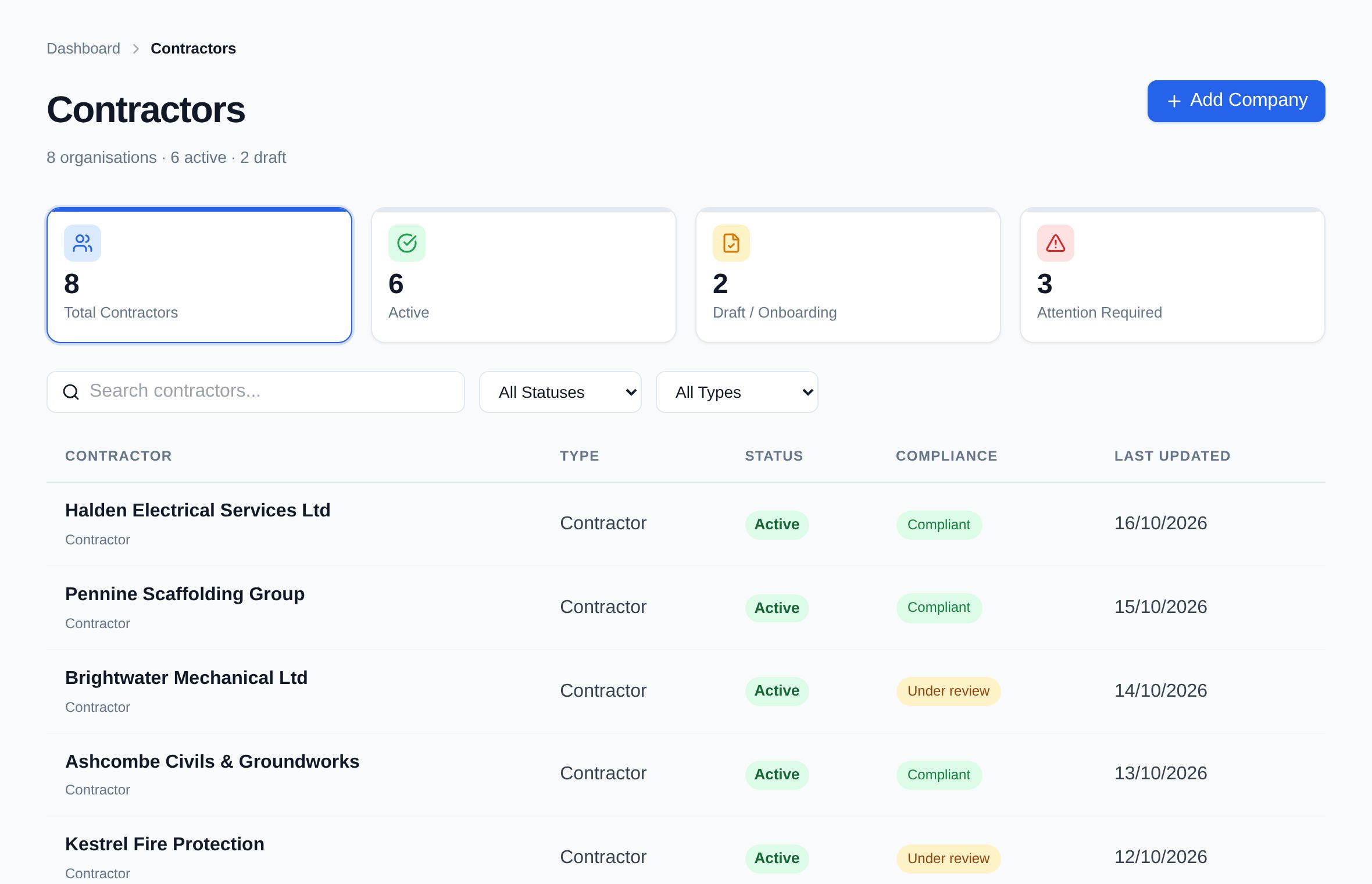
Each contractor's profile: documents, insurance, accreditation certificates, Companies House link, risk tier and status.
- 02
Workers
The people each company engages, their cards with expiry dates, and their readiness.
- 03
Sites
Your sites, with their contacts, the workers assigned to them, a map and the weather.
- 04
Work
Jobs with the qualifications they need, permits to work and bookings for cranes, plant and deliveries.
- 05
Gate
Who's arriving, whether they're ready and why, visitors from the kiosk, and the muster list.
- 06
Learn
Incidents, observations and inspections, with actions closed out against the same people and sites.
Underneath it all Roles and permissions · white-label branding · messaging · notifications · the audit log
Follow one change through
What happens when a CPCS card expires?
On separate systems, an expired card is a spreadsheet cell nobody looked at. On one record, it changes what every stage sees — without anyone re-entering it.
- 90, 60 and 30 days beforeThe contractor is reminded that their crane operator's CPCS card is due. The card shows as due in their training register.
- The day it expiresThe worker's readiness for every site changes, with “CPCS card expired” as the reason. The company's “Why?” panel lists them.
- Planning a liftPutting them on a crane booking as crane operator raises a warning that they don't hold an in-date CPCS or NPORS card.
- At the gateGate mode shows them as not ready, with the reason. Letting them in anyway needs a note.
- AfterwardsThe refusal or the override is in the audit log: who decided, when, at which site and why.
Roles & permissions
Who can do what?
Give each person the role their job needs. Contractors only ever see their own company; gate staff see readiness, not the whole file.
| Role | Usually given to | What they can do |
|---|---|---|
| Super Admin | Platform administrator | Everything, across every workspace on the platform. |
| Admin | The client's administrator | Workspace settings and branding, sites, users and roles, requirement sets, the company code and invite link contractors join with, and approving contractors. |
| Client Assurance Reviewer | Your reviewers | Reviews contractors' documents, insurance and workers' cards, and accepts or rejects them. |
| Site Approver | Site and project managers | Approves contractors and workers for a site, and can grant readiness overrides with a reason and an end date. |
| Auditor Read-only | Internal or external audit | Reads the audit log, reports, contractors, documents, workers and vehicles. Changes nothing. |
| Gate / Security | Gate and security staff | Runs gate mode: searches arrivals, sees readiness and reasons, checks people in and out. Not the rest of the contractor file. |
| Company Admin Contractor side | The contractor's administrator | Manages their own company: profile, documents, insurance, workers, cards and vehicles — shared with every client they work for. |
Built in
What comes with every workspace?
The parts every module relies on — there from day one, not sold as add-ons.
Your brand on every screen
Each client workspace can carry its own logo, colours and product name — on screen and on the PDFs it produces, from permits to the COSHH register.
An audit log of every action
Who did what, when and why, across every module — approvals, refusals, overrides, permit steps. Filter it, and export it to CSV for an auditor.
UK checks built in
Companies House company status, DVSA MOT history and DVLA tax status — looked up, not typed in.
Messaging
Chat between client and contractor, and message any worker by email; their replies come back into the conversation.
CSV and PDF exports
Export lists to CSV; download permits, worker records, policies and the COSHH register as PDFs.
In-app notifications
Expiry reminders, people booked onto a lift, a visitor arriving for their host — notified in Assured Contractors, where the work is.
Weather and map per site
Each site shows its location on a map and the weather, for the people planning lifts and deliveries.
Phones, tablets and computers
One web app that works on all three, with nothing to install. It needs a data connection.
Straight about scope
What Assured Contractors isn't.
So you can plan around it: these are things we don't do today.
- Not an SSIP schemeWe don't assess companies or issue SSIP, PAS 91 or CAS certificates. Contractors who hold one store it here.
- No gate hardwareNo turnstiles or biometric readers. Gate mode runs on a tablet, phone or computer.
- No live CSCS Smart CheckCards are recorded with photos and reviewed by your team.
- No offline mode or native appIt's a web app and needs a data connection.
The modules
Every module, by stage.
Get every contractor site-ready.
Start a 14-day free trial — no card. Send your contractors your company code: they join free and keep one profile for every client they work for.